

The Practice Module enables users to create new practices and manage existing ones. It also provides a detailed list of all added practices, including key information such as Practice Name, Associated PMS, LocationTime Zone, Patient Acceptance Status, PMS Connection Status.
This section offers a comprehensive view of each practice, ensuring smooth management and monitoring of practice details.
Add Practice
To add a new practice, just click on the “Add“ button located in the top-right corner of the module. This feature allows you to input all necessary details required to create a practice, ensuring accurate and complete practice registration. Importantly, each practice must have a unique PMS server to ensure proper connection and functionality.
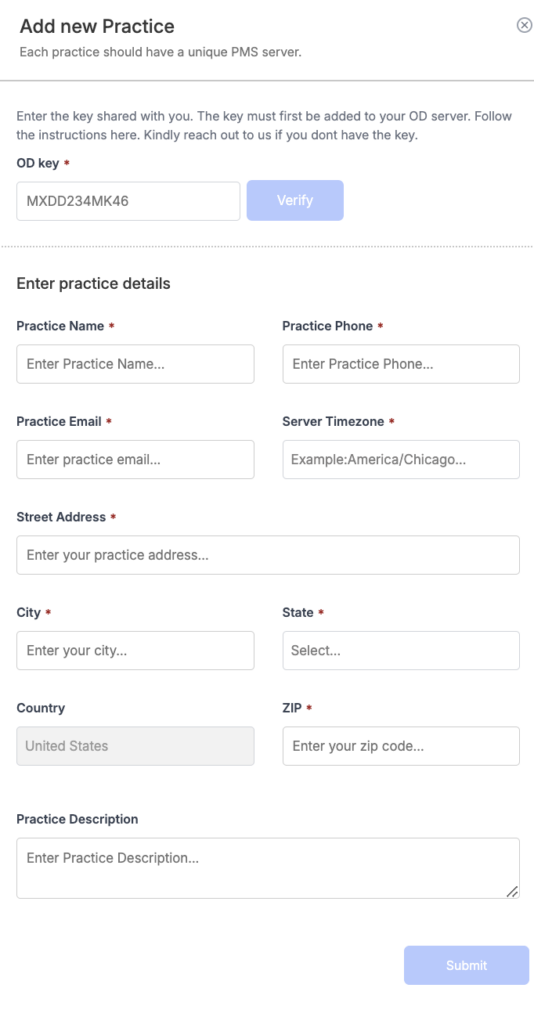
OD Key:
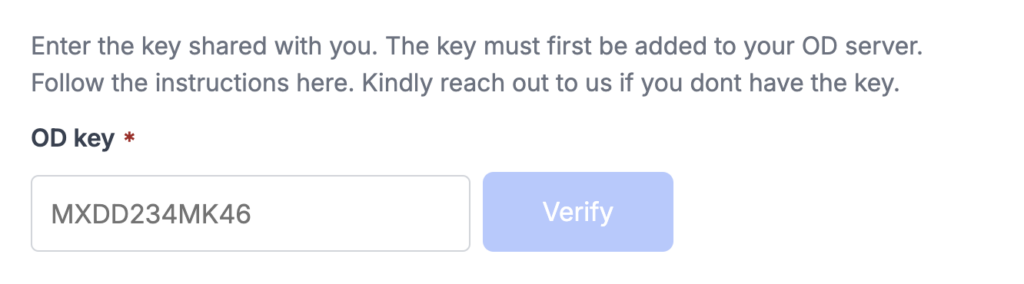
This feature verifies the validity of the provided Open Dental key. A new practice can only be created if the key is valid, ensuring that only authorized practices are registered within the system.
Enter practice details :
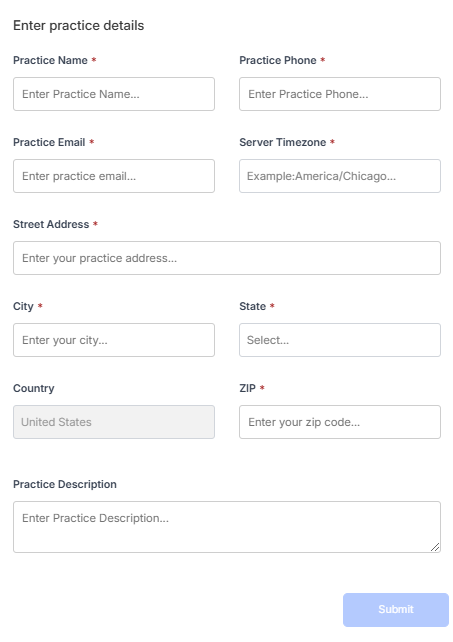
In this section, you will need to provide the practice name, contact number, email, server timezone, street address, city, state, country, zip code, and an additional practice description. These details are essential for setting up the practice and ensuring accurate information within the system.
Practice list :

This section displays all practices along with details such as the practice name, practice management system (PMS) name, location, timezone, whether the practice is accepting patients, and the PMS connection status.
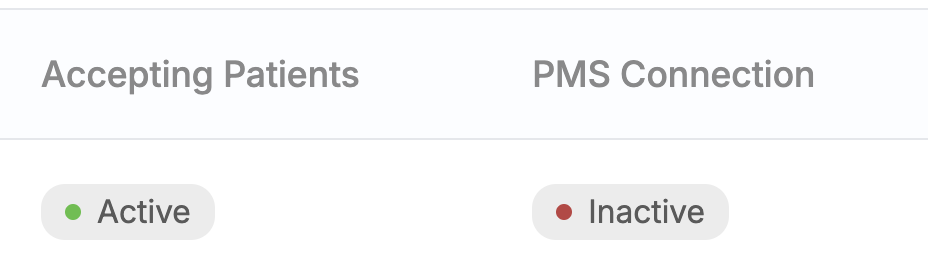
Accepting Patients indicates whether the practice is currently accepting patient appointments.
PMS Connection shows the status of the practice management system (PMS) connection, whether it is active or inactive.