
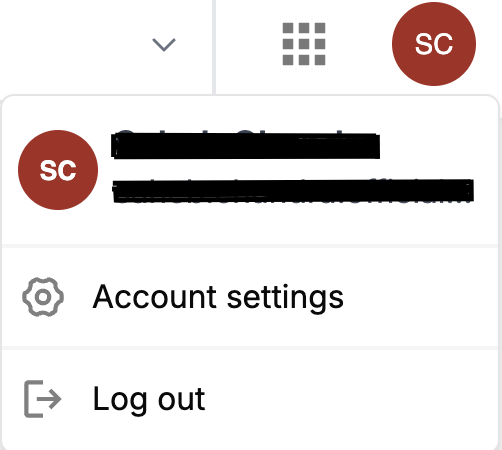
The “Account Settings” feature allows users to configure their account preferences and settings, providing control over various aspects of their account to ensure it meets their specific needs.
Settings configuration
Personal Information Configuration :

This section allows you to add, update, or modify all account-related settings, including personal information such as your name, email (used for sign-in), phone number, address, city, state, country, zip code and other relevant preferences, ensuring your account details remain accurate and tailored to your needs.
Password Configuration :

All password-related settings can be managed here, including the option to change or update your password to enhance security. The ‘New Password’ section allows you to securely set a new password, updating your login credentials for improved protection.