
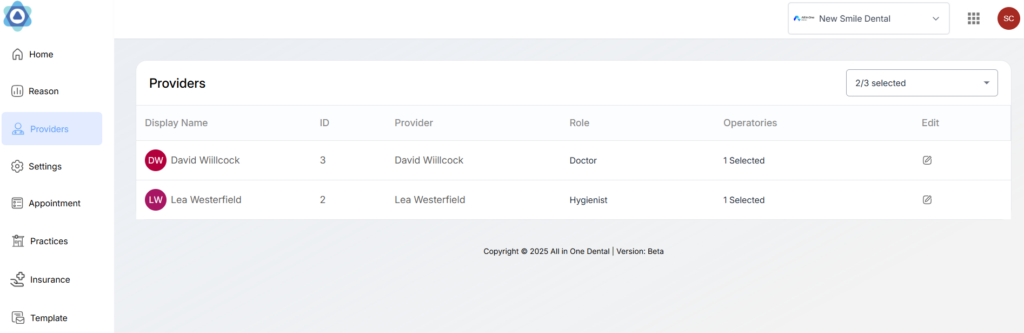
The provider module lets users choose and customize providers from their practice that they want to be available for scheduling. The user can map multiple operatories to each provider, assign a profile picture and further customize their availability.
Enabling Providers

You will see a list of all providers from your PMS. (Any providers is marked hidden in PMS will not be visible in this list). You can enable as many providers from this list. Enabled providers will appear in the table below and can be mapped to visit types.
Customizing Providers
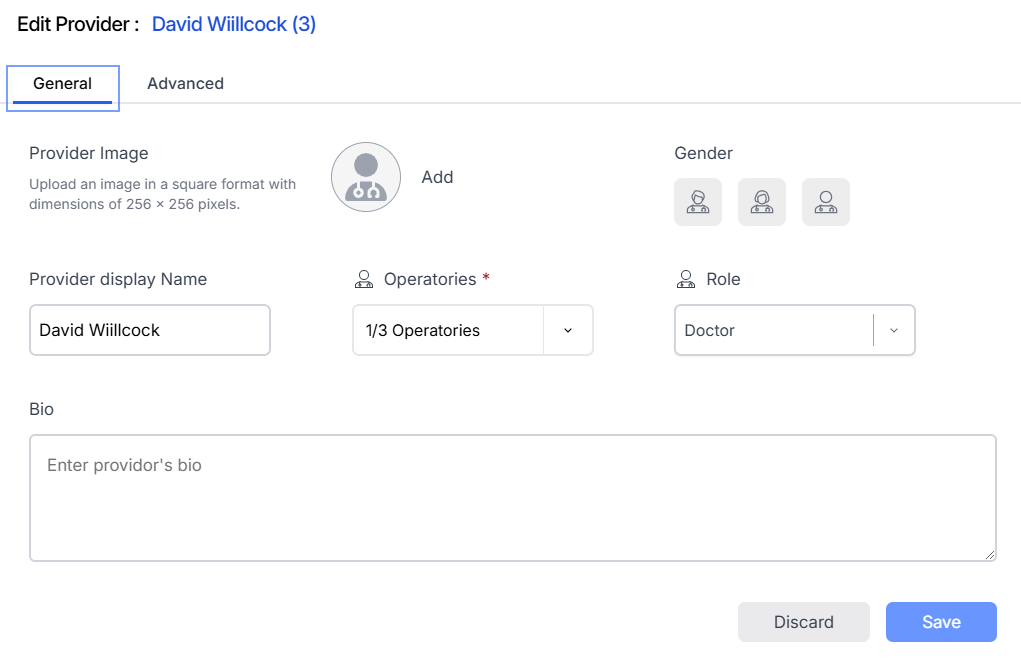
You can customize several attributes of each enabled providers. Just click on the edit button located at the end of each provider row. There are two customization tabs General and Advanced.
General Settings
You can add a display image, gender, role, bio etc. There is also an option to add a Provider display name if you want the patients to see a different provider name than your PMS name.
Mapping Operatories:
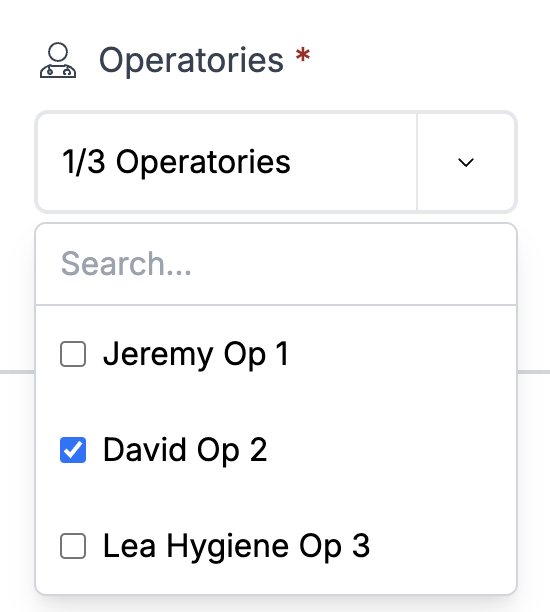
You can map operatories/chairs with providers. Ideally you would map providers to operatories based on your PMS schedules, however, there are no restrictions.
Advanced Settings
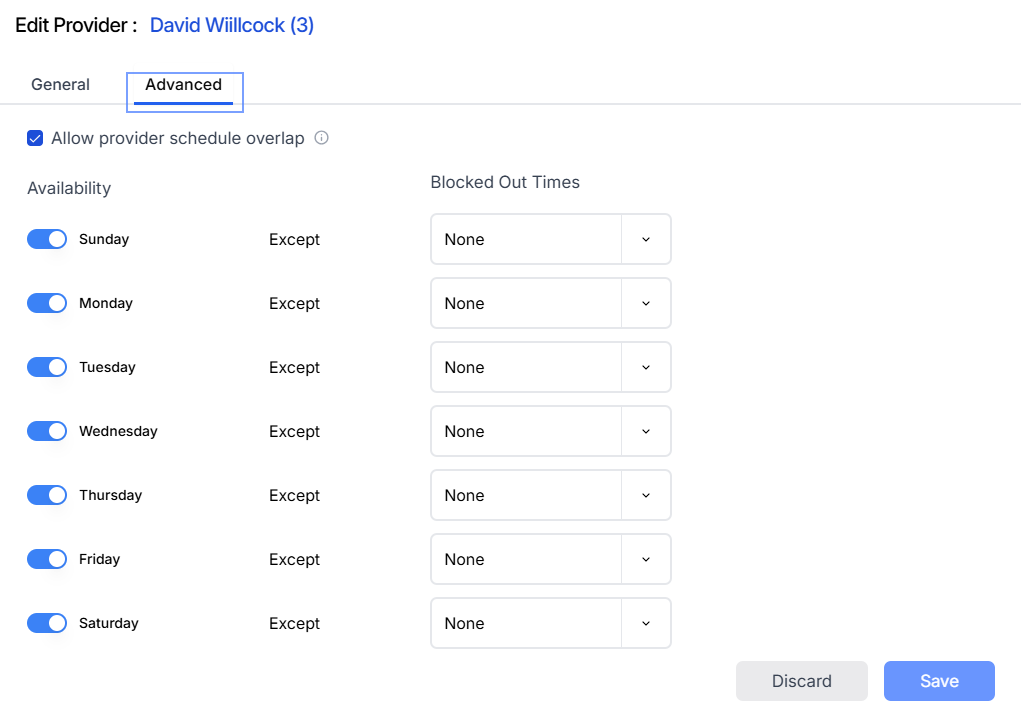
You can further customize a provider availability. This will act as an additional layer on top of provider schedules.
Allow provider schedule overlap: If this is turned on, we will show slots for a provider if they are already involved in a different operatory during the same period.
Disabling Providers
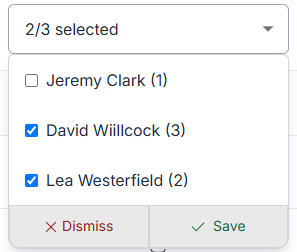
You can disable providers the same you enabled them. However, if a provider is already mapped to an visit type, you will not be able to disable them. In order to disable those providers, you first need to un-map those provider and all their operatories from all associated visit types.